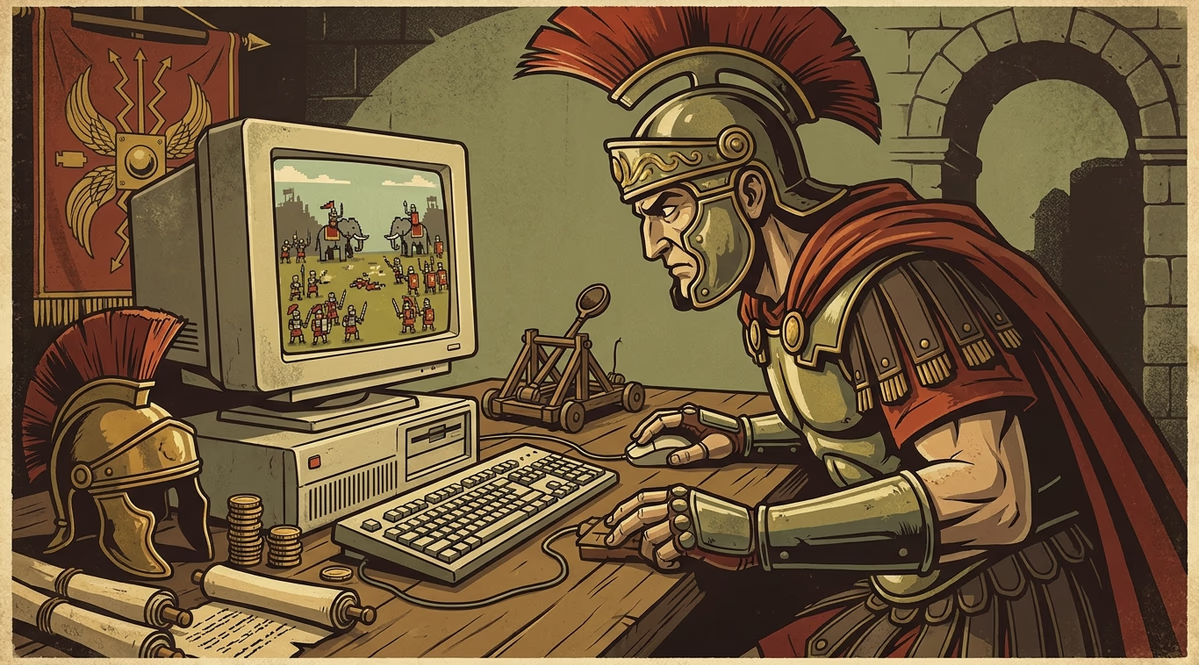
Does Caesar need a Windows app?
No. Caesar is built in HTML5 and runs directly inside a browser on any Windows PC. There is no dedicated KA Gaming client or APK for this title, so nothing needs to be downloaded or installed to play.
- Works in Chrome, Edge, and Firefox on Windows without plugins
- Same reel layout and features as on mobile, adapted to your screen
- Demo mode available for testing before switching to a real-money casino account
Playing Caesar on a desktop browser
Caesar uses HTML5 and JavaScript under the hood, the same technology stack that powers most of KA Gaming's catalogue. That choice matters for Windows players specifically: instead of hunting for a downloadable client, you open a casino site or demo portal, click the game tile, and the slot loads inside the page. There is no separate KA Gaming app for Windows, and none of the operators carrying Caesar appear to bundle it into a standalone desktop program either.
On a full-size monitor, the game's asymmetric 5-reel grid — two short reels followed by three taller ones — reads more clearly than it does on a phone screen. The 60 betways run across that uneven layout, though a handful of listings describe the same game as an 80-line 5x4 grid instead; the majority of technical catalogues back the 60-betway, 2-2-4-4-4 version, so that's the layout you should expect when the reels load.
Desktop play does not unlock anything mobile play lacks. The interface, symbols, and free-spin mechanic — including the S1 to S4 overlay grid that decides between 5 and 20 free spins with sticky or replaced symbols — stay identical across devices, since HTML5 games typically just rescale rather than change functionality.
Because the game runs client-side in the browser, performance on Windows depends more on your browser version and connection than on the PC's specifications. A modern, updated browser is the only practical requirement; no minimum OS version or dedicated graphics card is documented for this title.
If you already play KA Gaming titles on mobile, switching to a Windows browser session simply means a wider view of the same reels and paytable, not a different game experience.
Caesar RTP
96.00%
Caesar returns 96% RTP according to most third-party listings, paired with medium-high volatility. These figures play out the same way regardless of whether you access the game from a Windows browser or a mobile device.
How to launch Caesar on Windows
- 1Open a modern browser on your Windows PC, such as Chrome, Edge, or Firefox
- 2Go to a casino site or demo portal that lists KA Gaming titles
- 3Search for Caesar in the game lobby or provider filter
- 4Click the game tile to load it directly in the browser, no download prompt appears
- 5Choose demo mode to test the reels or log into a real-money account to place bets
- 6Adjust the bet size before spinning, using the in-game controls
Desktop play: what works and what doesn't
Strong points
- Loads instantly in any modern Windows browser without installation
- Larger screen makes the asymmetric 2-2-4-4-4 reel layout easier to follow
- Free demo mode lets you try the free-spin mechanic before betting real money
Weak points
- Medium-high volatility can burn through a bankroll faster than low-variance slots
- No bonus buy option to skip toward the free-spin feature
- No desktop-specific enhancements over the mobile version, it's the same game rescaled
Caesar specifications
| Provider | KA Gaming |
|---|---|
| Reels | 5, asymmetric 2-2-4-4-4 layout |
| Paylines | 60 betways |
| Volatility | medium-high |
| RTP | 96.00% |
| Bet range | 0.30 from multiple game portals – 150 from multiple game portals |
| Released | 2025-04-02 |
Windows play questions
Is there a Windows app for Caesar?
No. KA Gaming does not publish a dedicated app for this slot. It runs entirely through a browser using HTML5, with no installation step on Windows.
Do I need to install anything to play?
No download is required. Open a supporting casino or demo site in a Windows browser and the game loads on the page.
Which browsers work on Windows?
The game uses HTML5 and JavaScript, which run in current versions of Chrome, Edge, and Firefox. Specific minimum browser versions are not published by the provider.
Can I try Caesar for free on a PC?
Yes, demo versions are available through several game portals, letting you spin without registering or depositing.
Does the game look different on desktop than on mobile?
The reel layout, symbols, and features are the same across devices. Only the on-screen interface rescales to fit a larger monitor.
Does Caesar support Windows tablets or touch laptops?
The game is listed as compatible with desktop and mobile devices generally, but no source specifies touch-screen or tablet-specific behaviour on Windows.
Try Caesar in your browser
Open Caesar at a partner casino and play directly on your Windows PC, no download needed. Gambling is for players 19+ (18+ in AB, MB, and QC); play responsibly.
Play at partner casino